Support
Need a hand with Alchemy Atlas? Email support@alchemyatlas.app and we’ll get back to you as soon as we can — usually within a few days. To help us help you, please include your device model and iOS version.
Frequently asked questions
How do I play?
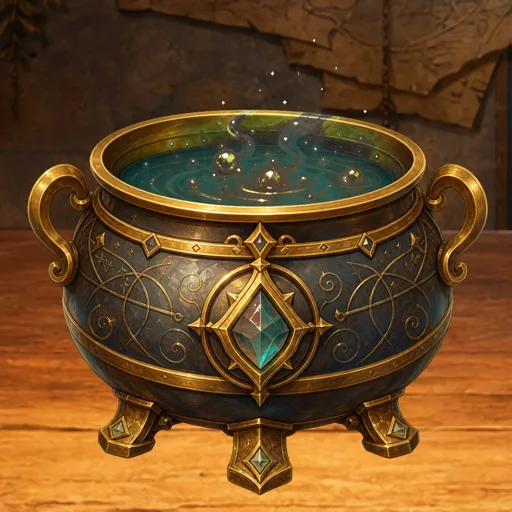
Drag two elements into the cauldron to combine them. Successful pairs reveal new elements, which unlock further combinations and culturally themed Atlas collections. You can replay the tutorial anytime from Settings → How to Play.
How do I restore my purchases?
Open the in-app store and choose Restore Purchases. Purchases are tied to your Apple Account and can be restored on any device signed in with the same account.
How do I remove ads?
The in-app store offers a one-time Remove Ads purchase. After buying it, interstitial ads no longer appear.
Can I reset my progress?
Yes. Go to Settings → Danger Zone → Reset Progress. This permanently clears your discoveries and returns you to the starter elements, so use it with care.
Which languages are supported?
Alchemy Atlas is available in nine languages: English, Türkçe (Turkish), Español (Spanish), Deutsch (German), Français (French), Português (Portuguese), Italiano (Italian), Bahasa Indonesia, and 日本語 (Japanese). You can switch language in Settings → Language.
Can I play offline?
Yes. Alchemy Atlas is local-first and fully playable offline — no account and no internet connection are required to combine elements and grow your Grimoire. A connection is only used for optional extras such as ads and Game Center.
Do I need Game Center?
No. Game Center leaderboards and achievements are entirely optional. The game is fully playable without signing in; sign in only if you’d like to track achievements and compare progress with others.
Is my data safe?
Your progress is stored locally on your device. See our Privacy Policy for details.